
All Cursor Packs
Browse our full collection of custom cursors. Find your next favorite style and install it for free.

Christmas Gingerbread cursor
4.5(42)PremiumGet into the holiday mood with a cute and fun Christmas Gingerbread custom cursor, perfect for bringing a bit of festive joy to your digital experience.
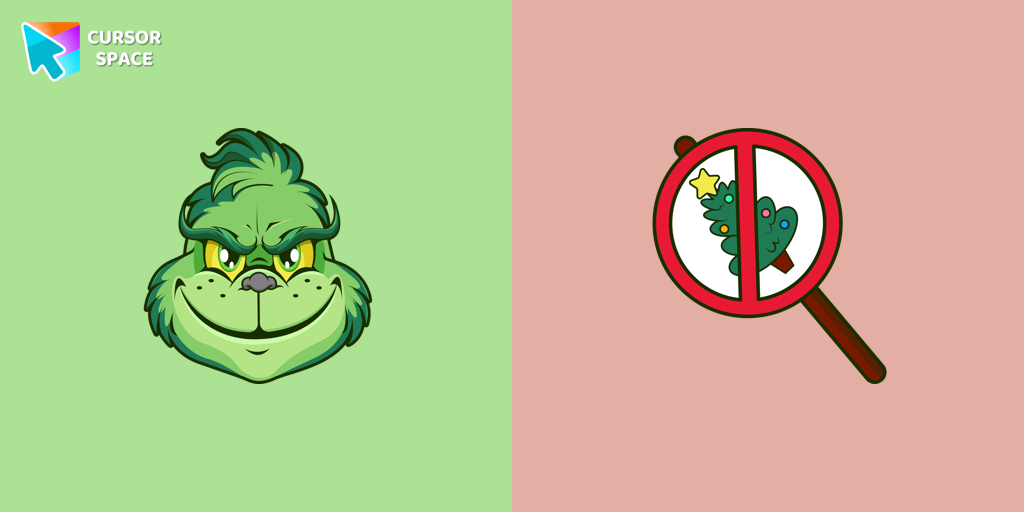
Angry Grinch cursor
4.5(41)PremiumAngry Grinch as a custom cursor for the mouse and pointer from our Merry Christmas and Happy New Year cursor collection.

Jake Sully cursor
4.5(38)PremiumMeet our custom cursor with Jake from Avatar for The Wishes custom cursors collection for Chrome.
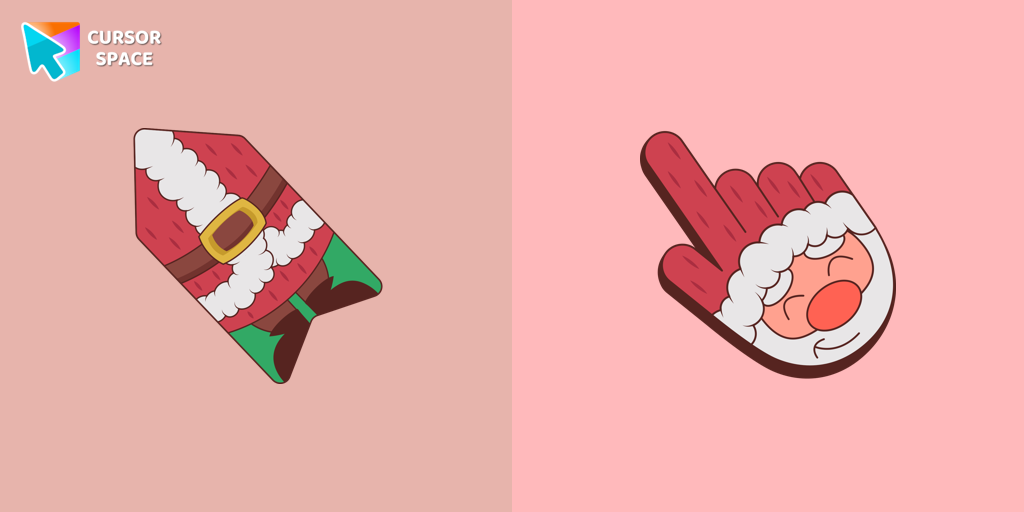
Santa cursor
4.5(38)PremiumThis unique Santa Claus cursor is part of an exclusive collection of festive Merry Christmas and Happy New Year cursors for the Chrome browser.

Champagne Pixel cursor
4.5(38)PremiumEnjoy the New Year's tradition of toasting with our pixel-style Champagne custom cursor.
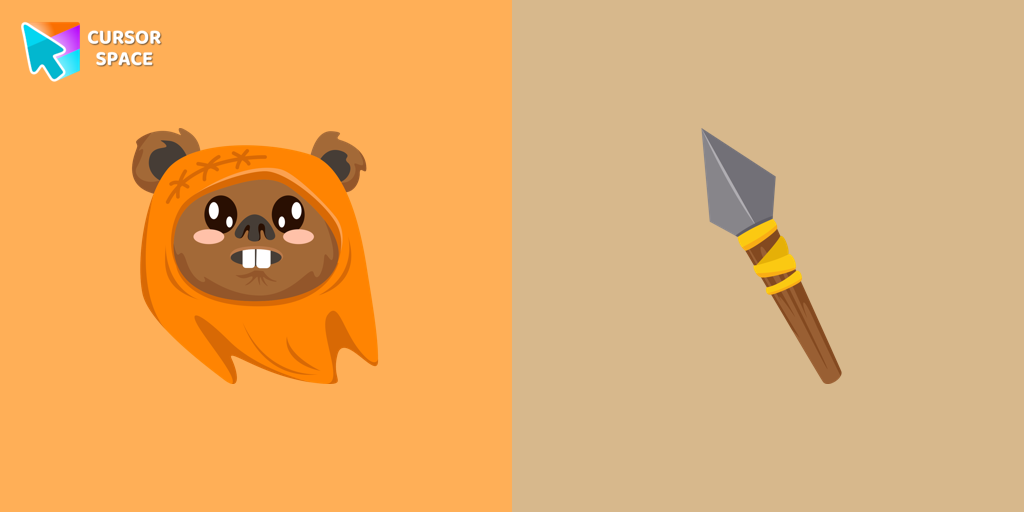
Wicket Wystri Warrick cursor
4.5(38)PremiumCute Wicket W. Warriсk cursor and pointer in our adorable custom cursors collection with Star Wars.

Christmas Deer cursor
4.5(37)PremiumWe have designed the Christmas Deer cursor for the mouse and pointer in a familiar style, enhanced with a New Year's theme.

Weightless cursor
4.5(37)PremiumExplore seamless navigation with our innovative custom cursor. The weightless cursor offers smooth, fluid movement for an improved digital experience.

Triple Red cursor
4.5(37)PremiumEnhance your browsing experience with our Triple Red custom cursor - a vibrant three-arrow design that adds style and confidence to every click.

Vaporeon cursor
4.5(36)PremiumMeet the happy Vaporeon cursor for Chrome in a Pokémon custom cursors collection for mouse and pointers.

Angry Skull cursor
4.5(32)PremiumAngry Skull cursor for a mouse is a good Halloween art to decorate your browsing.

Monster Pixel cursor
4.5(32)PremiumA Monster Pixel as a custom cursor for the mouse and torch pointer will be pretty intimidating on your screen on a holiday weekend.
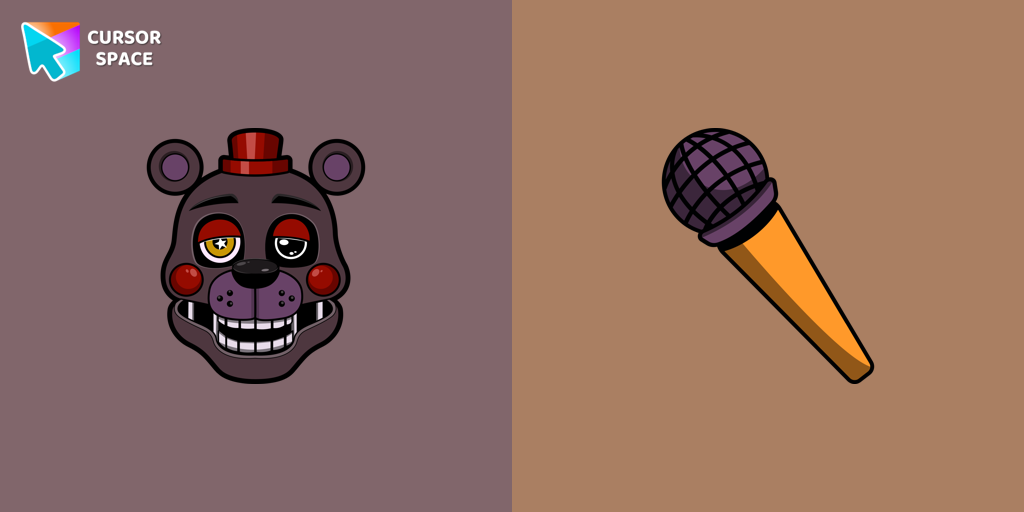
Lefty cursor
4.5(32)PremiumLefty cursor item is a pretty designed set of mouse cursors with a stylish hover.

Zombie red hand cursor
4.5(32)PremiumEnhance your browsing with the Zombie Red Hand custom cursor. This unique custom cursor for Google Chrome adds personality and a playful touch to your screen.

Green arrow cursor
4.5(32)PremiumExperience the speed and precision of the Green Arrow custom cursor. Upgrade your browsing with this sleek custom cursor for Google Chrome today.
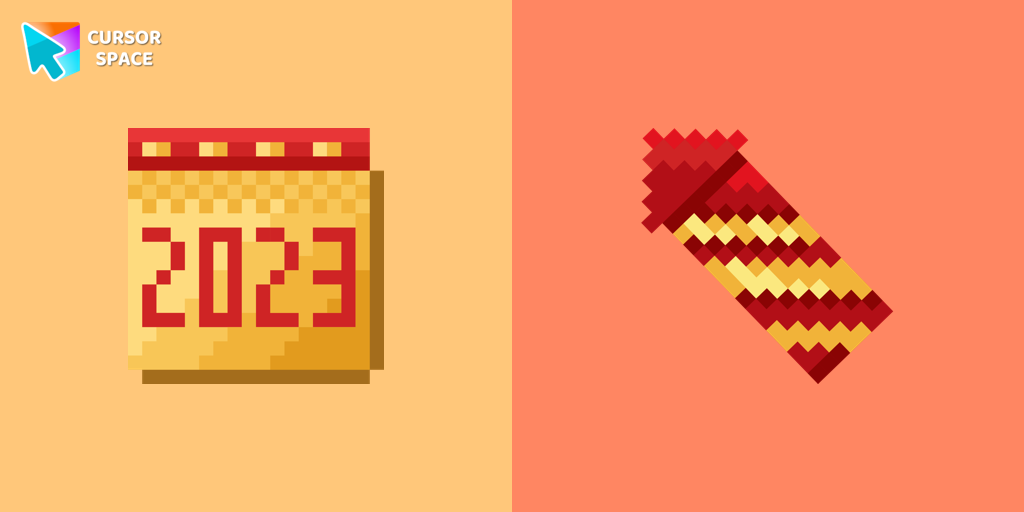
Calendar Pixel cursor
4.5(31)PremiumA calendar-themed custom cursor in pixel style is the perfect addition to celebrate the New Year.

Candy Cane cursor
4.5(31)PremiumThe Candy Cane custom mouse cursor is a captivating feature in the Merry Christmas and Happy New Year cursor collection for Chrome.
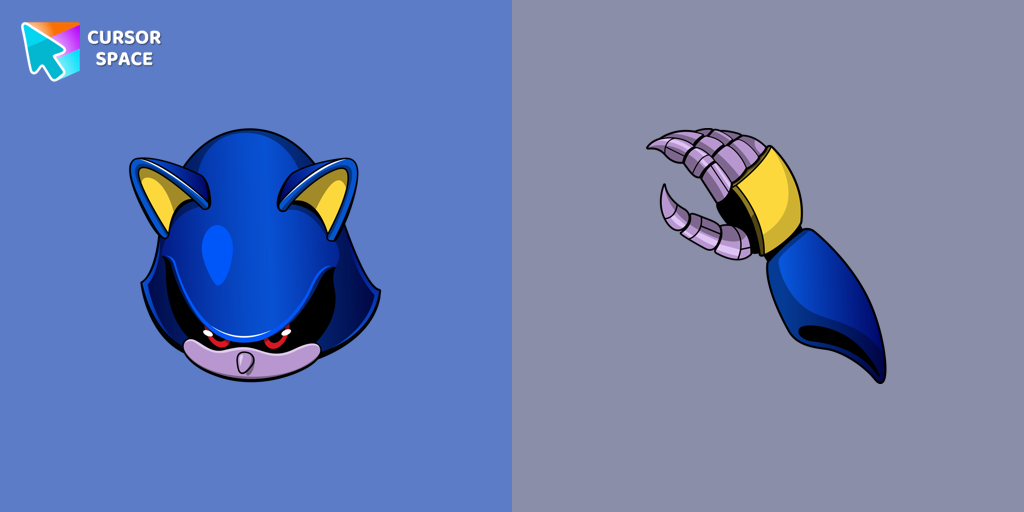
Metal Sonic cursor
4.5(31)PremiumThe custom cursor for the mouse and pointer from our Sonic collection will allow you to navigate the tab at the speed of a Metal Sonic.

Garfield and Odie cursor
4.5(30)PremiumGarfield and Odie custom cursor is part of a fantastic collection for Chrome, featuring Merry Christmas and Happy New Year wishes.

Santa Claus Costume cursor
4.5(30)PremiumThe Santa Claus Outfit has been included in our Merry Christmas and Happy New Year custom cursors collection for Chrome.
Explore cursor packs by style
Cursor Space packs include curated cursor sets for everyday browsing: cute, minimal, anime, neon, pixel art, and more. Each pack comes with multiple cursor states (like default and pointer) and can be added to your browser in seconds.
Trending now
Fresh picks based on what people install most often.
Collections
Browse themed sets grouped by vibe and aesthetic.
Top charts
See weekly, monthly, and all‑time leaders.
How to install a cursor pack
- Open any pack from the grid above.
- Click the install / add button on the pack page.
- If you don’t have it yet, install the Cursor Space browser extension.
- Apply the pack in the extension and enjoy your new cursor.
FAQ
Quick answers to common questions about cursor packs, collections, and installation.